Audit any website for accessibility. In seconds. From your phone.
Accessibility Checker runs industry-standard axe-core WCAG audits, maps keyboard focus order, checks color contrast anywhere — even through your camera — and turns results into an EAA-ready report. Everything stays private on your device.


New on Mac: A Contrast Checker That Lives in Your Menu Bar
The Mac app's biggest update yet — live color-blindness simulation over any app, instant WCAG + APCA checks, and developer-ready exports.
Color Blindness Lens
Drag a resizable lens over anything on your screen — any app, any design — and see it live through eight types of color vision deficiency, with up to 8× zoom. Like a simulator and a magnifier in one.
Menu-Bar Contrast Checker
Eyedrop any two colors on screen and instantly get WCAG 2.1 A, AA, and AAA results alongside APCA from WCAG 3.0 — plus the WCAG 2.2 non-text check for icons and UI. One global shortcut away, in any app.
Built for Developer Workflows
Copy any color pair as SwiftUI, UIKit/AppKit, CSS variables, or Android XML. Preview all eight color-blindness simulations side by side with a verdict per type, revisit your check history, and export a Markdown audit report.
Automated WCAG Audits, Powered by axe-core
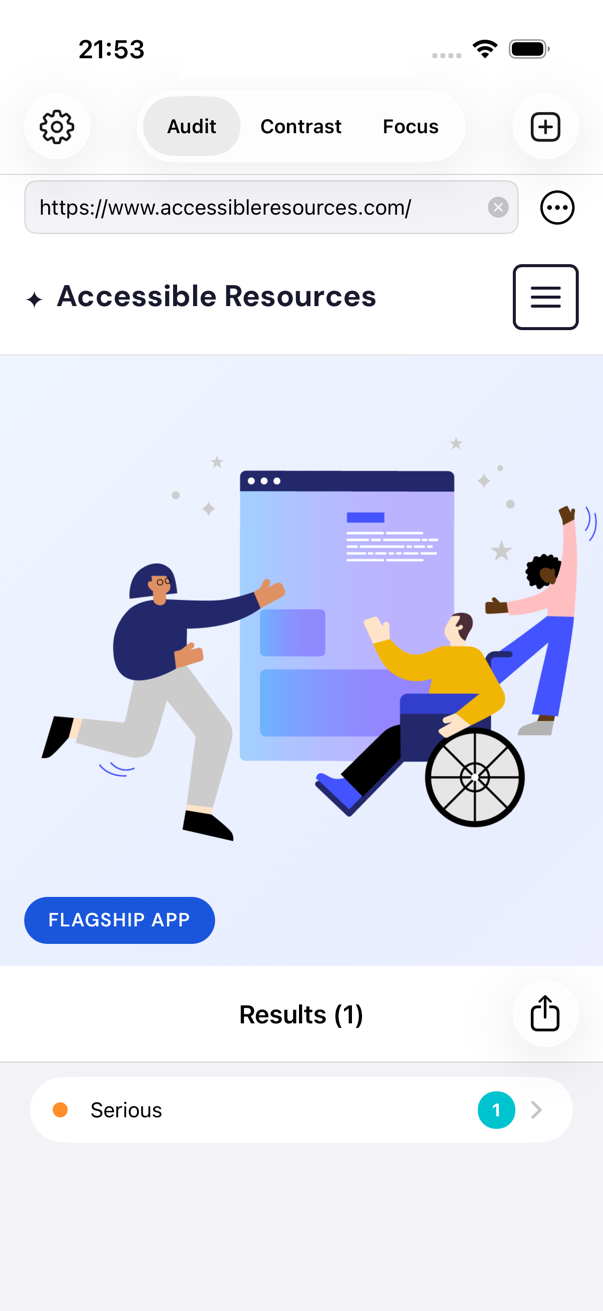
Enter a URL and get a full accessibility audit in seconds — the same axe engine trusted by professional accessibility teams, running right on your phone. No browser extensions, no desktop setup.
Every issue is explained in plain language with the relevant WCAG success criterion and practical steps to fix it.
Learn More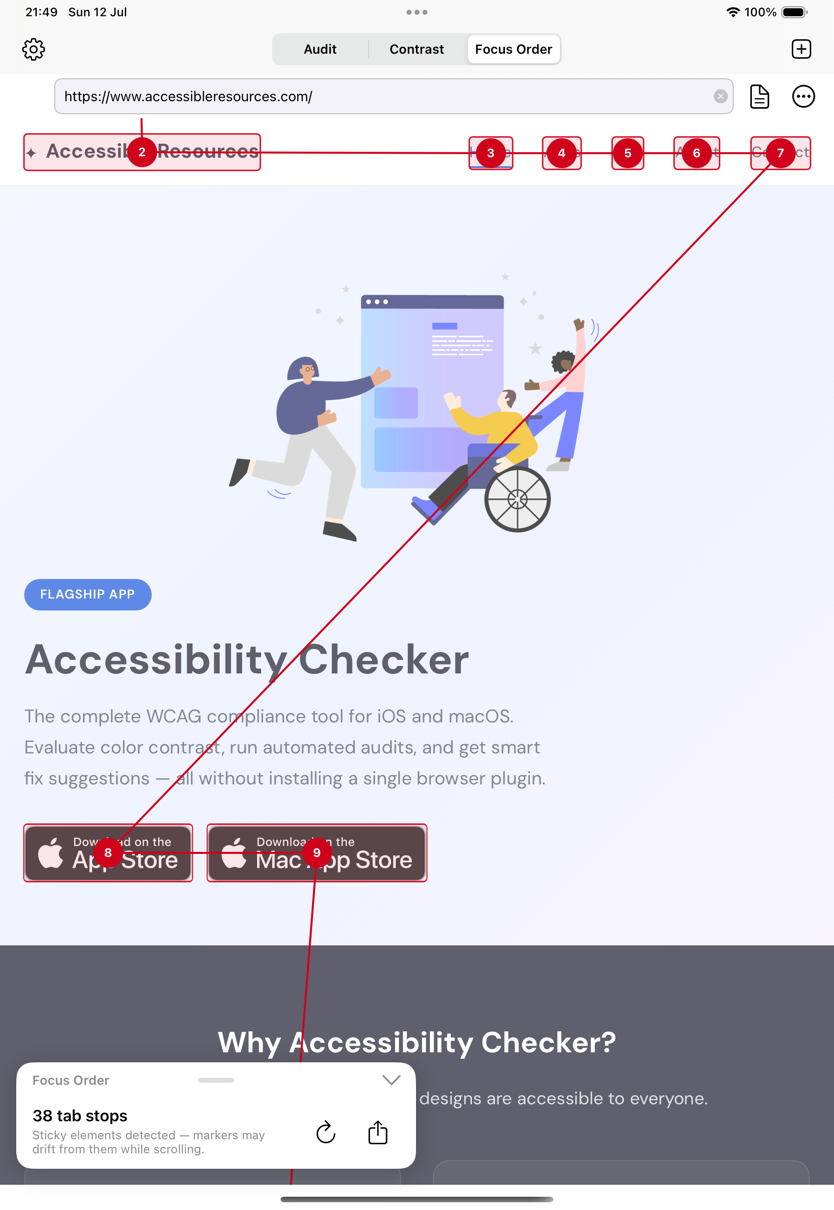
See Your Page the Way a Keyboard User Does
The new Focus Order tool visualizes the tab order of any web page: numbered markers show every focusable element and the path connects them in sequence. Illogical jumps — a WCAG 2.4.3 failure — stand out instantly.
Export the full-page focus map as an image or PDF and drop it straight into a ticket, design review, or audit report.
How Focus Order Works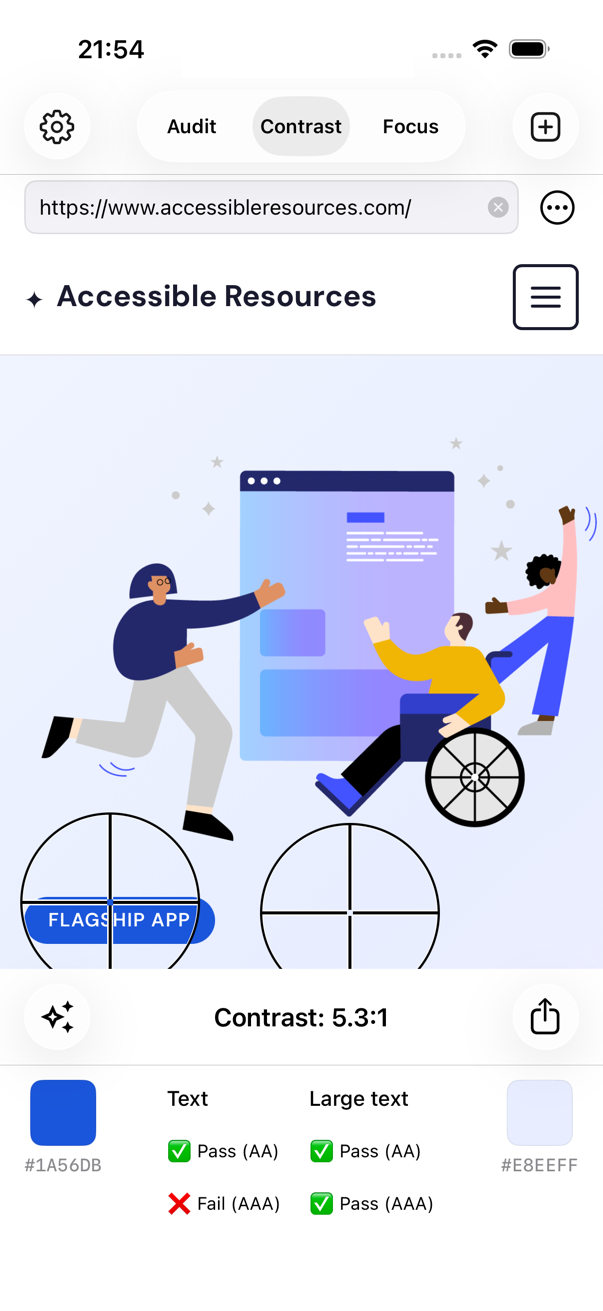
Check Color Contrast Anywhere
Pick any two colors from a screenshot, a website, or live through your camera, and instantly see the contrast ratio with pass/fail results for WCAG 2.1 A, AA, and AAA — plus the next-generation APCA algorithm from WCAG 3.0.
Failing combination? Get suggested accessible alternatives that stay close to your design intent, and copy any color as hex or UIColor for your code.
Learn More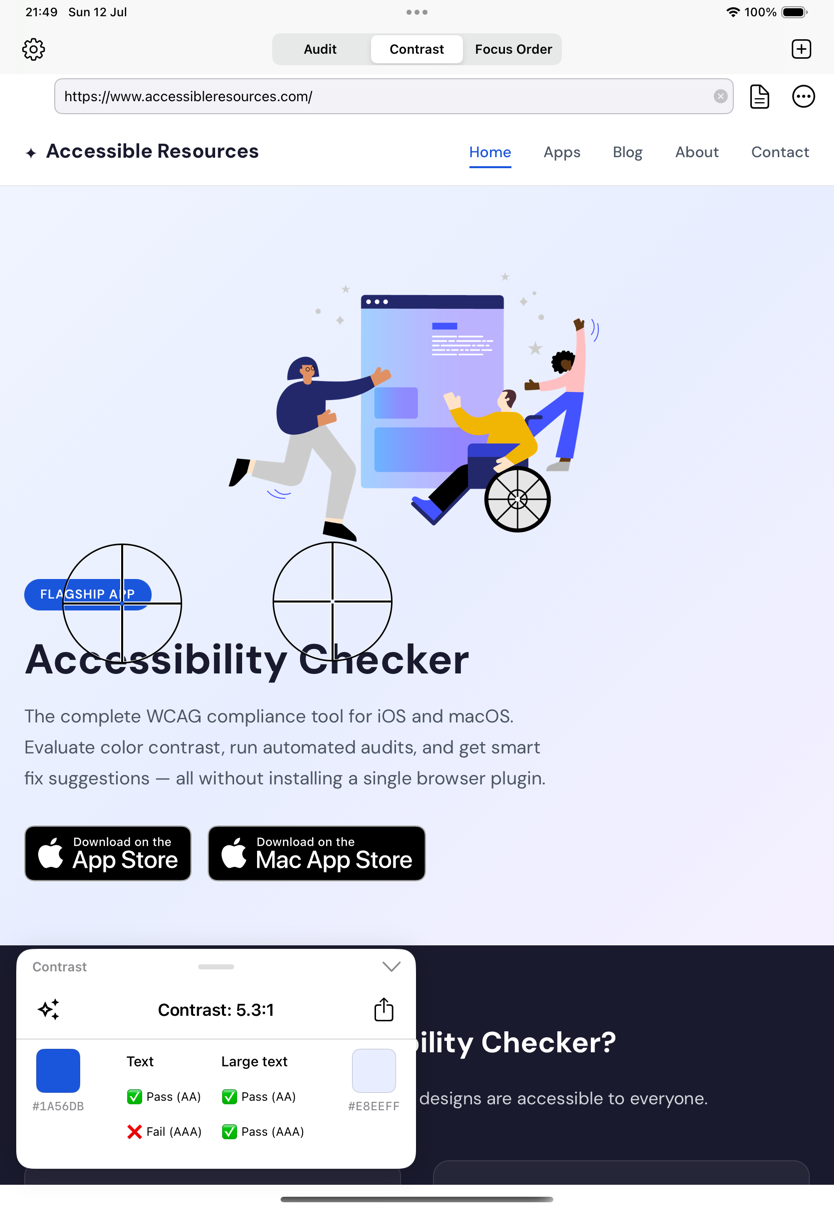
At Home on iPad and Mac
The redesigned layout puts results in a floating card you can move to whichever corner suits your workflow, so the page you're testing stays front and center.
Menu-bar commands and keyboard shortcuts make audits feel native on Mac and on an iPad with a keyboard — run checks, switch tools, and export without touching the screen.
See the ShortcutsFrom Audit to EAA-Ready Report
The European Accessibility Act is now in force. Accessibility Checker turns your testing into documentation you can actually ship.
Automated WCAG Report
Combine your audit results into a structured WCAG report mapped to the criteria behind EN 301 549 — the harmonised standard the EAA references.
Publishable Accessibility Statement
Generate a self-assessed accessibility statement you can publish on your own site. See a live example — hosted and localized in 17 languages.
Honest About Coverage
Automated testing can't check everything. The app tells you exactly which WCAG criteria it covers automatically and which still need human review — no false promises of "full compliance".
Private by Design
Everything runs on your device. The sites, images, and colors you check never leave your phone — nothing is uploaded, tracked, or shared.
Accessibility by the numbers

About Accessible Resources
We build tools and resources that solve real accessibility challenges. We empower developers, product designers, and researchers to create experiences that are delightful for everyone.
Our team combines experience from leading brands including Google, Apple, and Spotify — with a shared mission to make the digital world more inclusive.
Get in TouchShip Accessible. Prove It.
Download Accessibility Checker and go from first contrast check to a publishable WCAG report — on iPhone, iPad, and Mac.